
Slop Royale

One island. One winner.
Choose your landing, grab what you can, and stay ahead of the storm. Go it alone or drop in with your squad. The last team standing takes the island.
THE SAME ISLAND. YOUR WAY TO PLAY.
Find your kind of match.
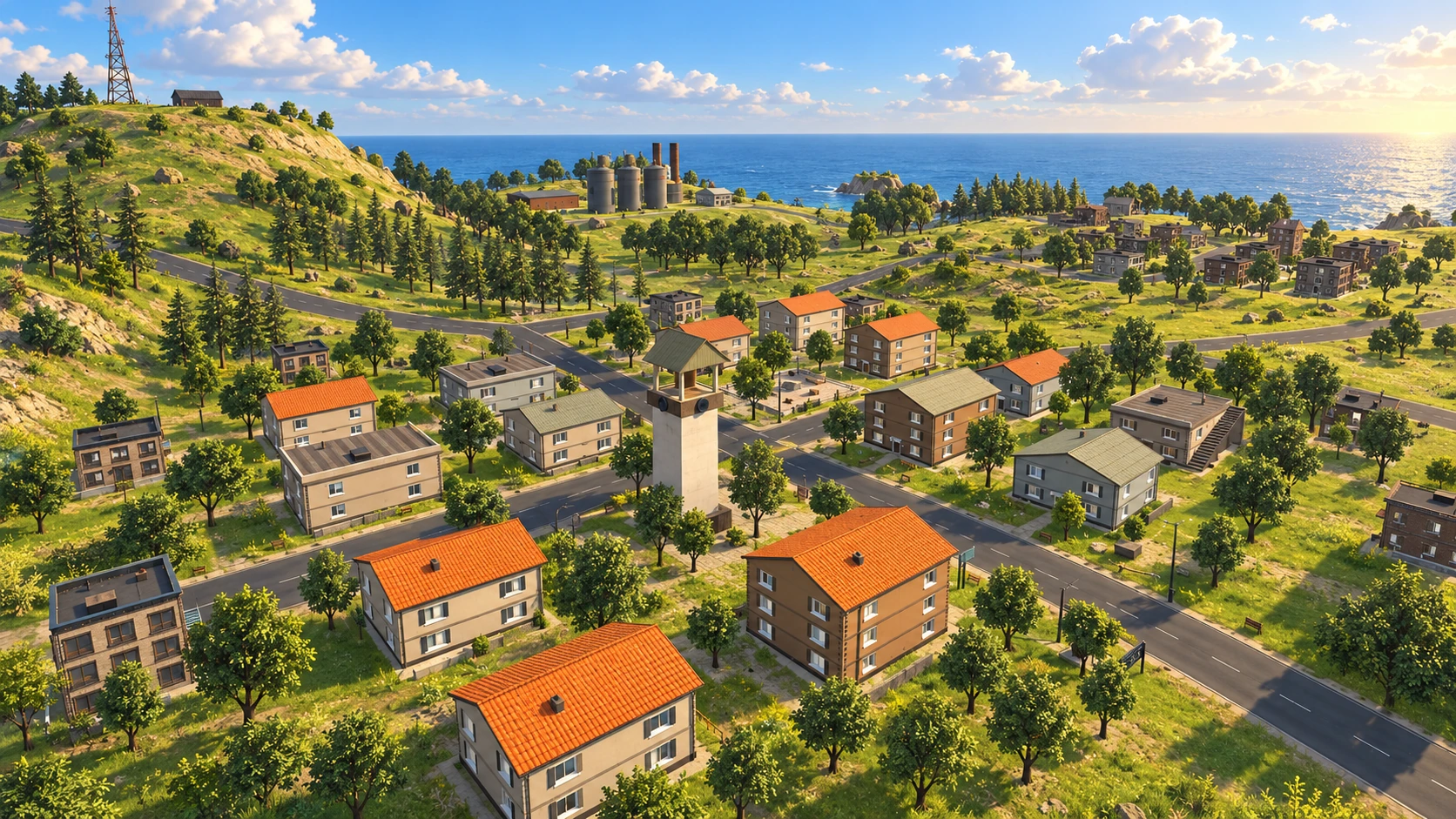
One player. One chance.
Make every call yourself. Pick a quiet landing or head straight for the fight. In Solo, everyone else is the competition.
Up to 60 real players. Wait on spawn island while others join.
Just want to practice?
Play offline against bots. Learn the map and get a feel for your loadout at your own pace.
GET SET UP
From download
to first drop.
Run the installer and play. The launcher downloads the game and installs every update automatically.
Download for Windows 64-bit · Early access- 1
Download the installer
Save SlopRoyaleSetup.exe and open it. Allow about 7 GB of free space for the game.
- 2
Install
Follow the setup steps. Choose Yes when Windows asks to set up Easy Anti-Cheat, which keeps online matches fair.
- 3
Play
Start Slop Royale from the desktop or Start menu. The first start downloads the game. Create your account in-game for online play.
Is Slop Royale free?
Yes. Slop Royale is free to download and play on Windows. The game is in early access and is still being developed.
Can I play without other players?
Choose the offline Bots mode to play on your own. Online matches contain real players only; you'll wait on spawn island while others join.
How do I verify my email?
Create your account in the game, then open the verification link in your email. Once confirmed, return to the game and sign in. Get account help.
Why does Slop Royale install Easy Anti-Cheat?
Online matches are protected by Easy Anti-Cheat from Epic Games, so everyone plays fair. It installs once (Windows asks for permission) and starts together with the game. Offline bot matches work without it.
How do I install an update?
You don't need to. Every time you start Slop Royale, the launcher checks for updates and downloads only what changed.